Loading Data from CSV / Excel / JSON / Parquet
Upload one or more files into a PersivX workspace, then relate them to each other.
You can upload multiple CSV, Excel, JSON, and Parquet files into a single PersivX workspace. Relationships between files — similar to SQL foreign keys — can be defined manually, or discovered automatically by PersivX's fuzzy logic feature in the Relationship Manager panel.
If an Excel workbook contains multiple worksheets, each worksheet is loaded as a separate table within the workspace.
ℹ️ Rows With Errors Are Skipped
Rows containing errors — missing columns, invalid data, or incompatible data types — are skipped during file loading.
⚠️ Same Name Replaces
Uploading a file with the same name replaces the existing file in the workspace.
Once uploaded, auto-refresh can be set up to update the data periodically — either from your own uploads or by pulling files from an external server into the workspace.
Steps to Connect
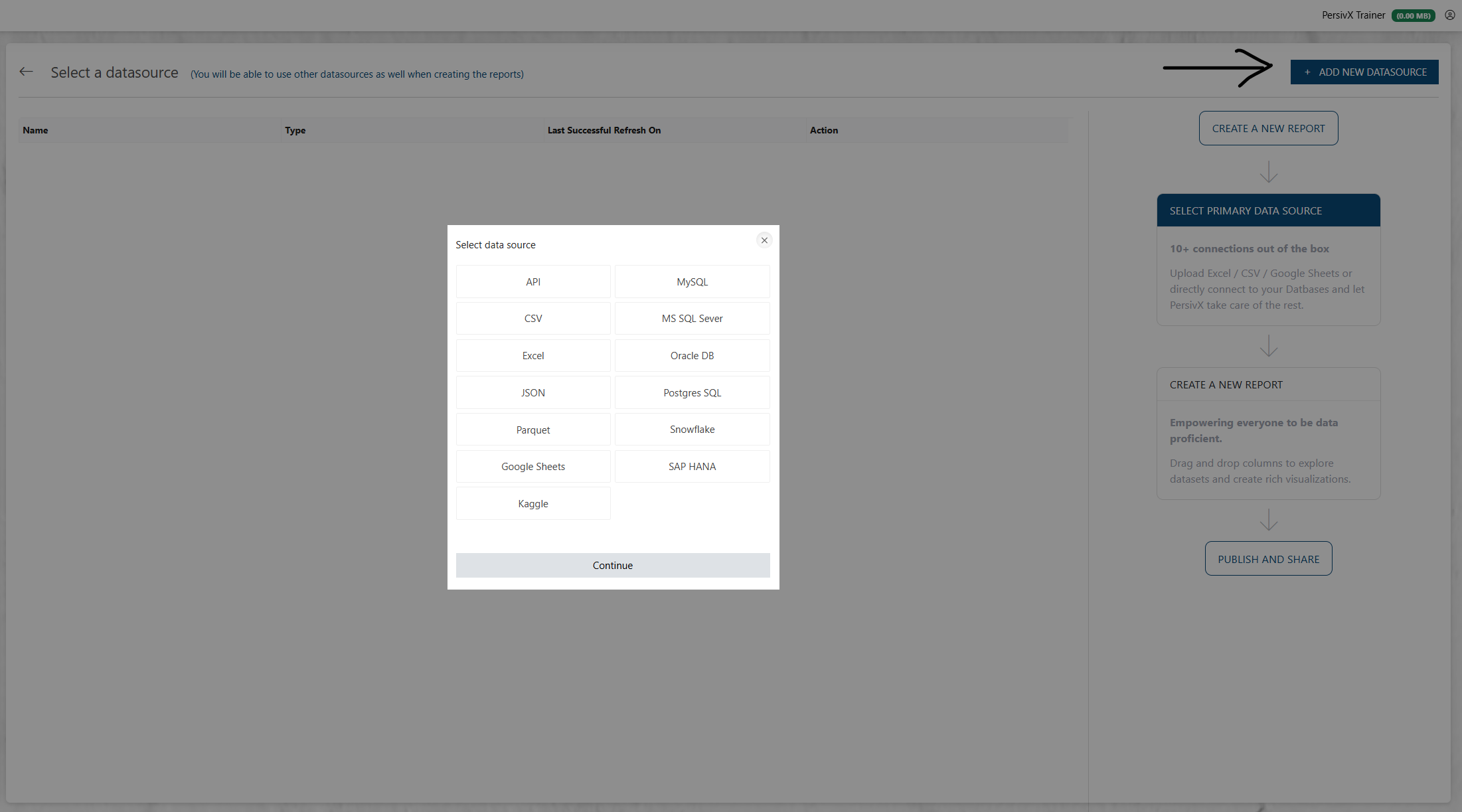
Step 1: Select File Type
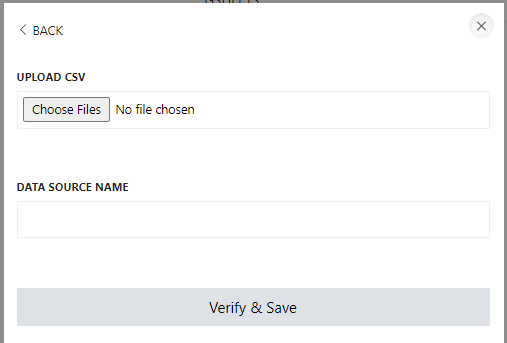
Step 2: Upload One or More Files